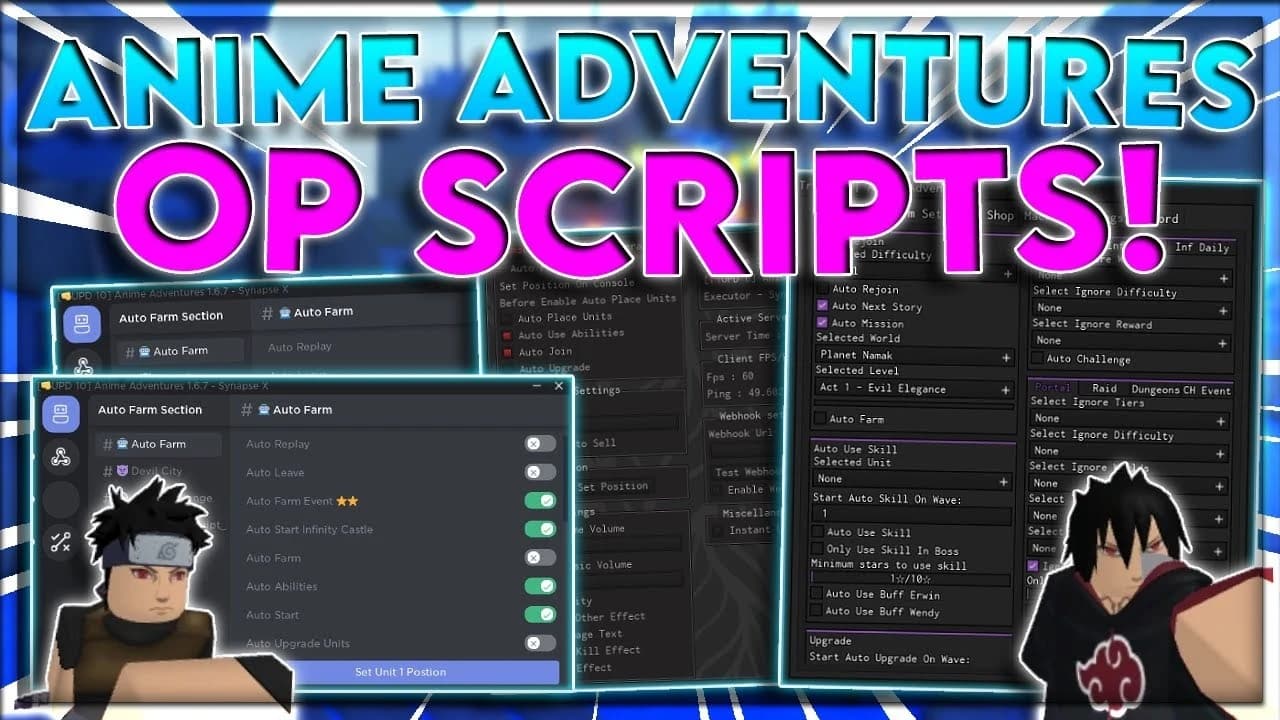
UniqueHUB | AUTO FREEZE TRADE | AUTO ACCEPT TRADE | OP GUI |
- Keyless
- Mobile friendly
- Keyless
- Mobile friendly
Advertisement
Advertisement
π€ Auto Trade System
Auto Freeze Trade β Automatically freezes the trade process.
Auto Accept Trade β Automatically accepts trade requests.
Simplified Trading Controls
Smooth and Convenient Trade Automation
βοΈ Advanced GUI
Clean and Modern Interface
Easy-to-Use Controls
ON/OFF Toggle Buttons
Optimized GUI Layout
Mobile Support
π Additional Features
Lightweight and Responsive UI
Quick Feature Access
Easy Configuration
Automatically Disabled on Fresh Execution
Launch Roblox and enter Anime Adventures.
Execute the UniqueHub script using your supported environment.
Wait for the UniqueHub interface to load.
Locate the Auto Trade section in the GUI.
Enable Auto Freeze Trade and Auto Accept Trade using their respective toggle buttons.
Configure the features according to your preferences.
4.7out of 5 stars
1.8K reviews
100K+
Downloads
Advertisement
Tap a chip for community notes
Share what works, ask questions, or report an issue.
No comments yet. Be the first to share your experience with this script.
10 lines Β· 422 B